

partial_pixelate=objects:[[165,403,434,89],
[367,484,186,58],[186,545,512,108]],
amount:12




Extract and redact sensitive document data in one chain
Use OCR coordinates to drive redaction in the same chain. Whether files arrive through a document portal, an embedded Picker, or a phone camera, each upload follows the same extraction and redaction flow.

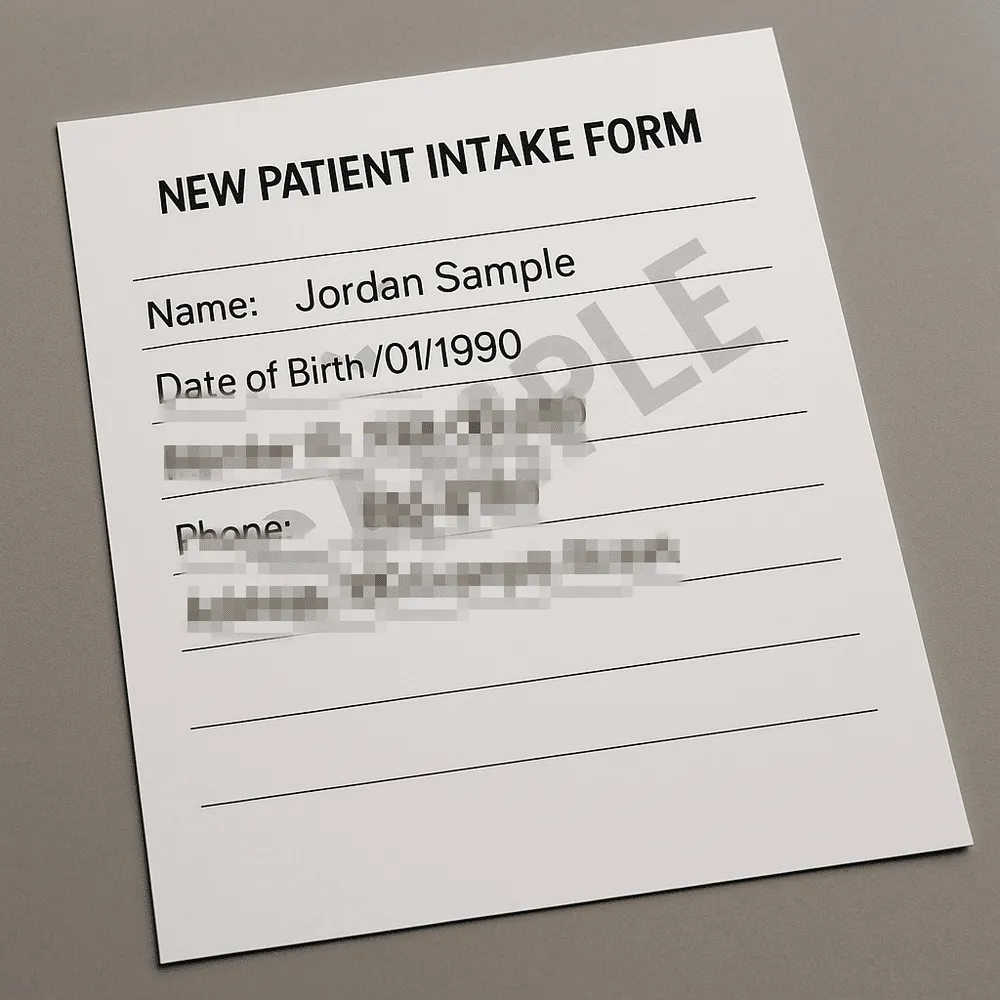
A photographed form, with fields you do not want sitting in your bucket in plain sight.
x 147 y 251 w 445 h 86
"Member ID: XXX-00-000"
x 165 y 403 w 434 h 89
"555-0100"
x 367 y 484 w 186 h 58
"Address 100 Example Street"
x 186 y 545 w 512 h 108
Your code picks which of these lines are sensitive. Filestack does not decide that for you.
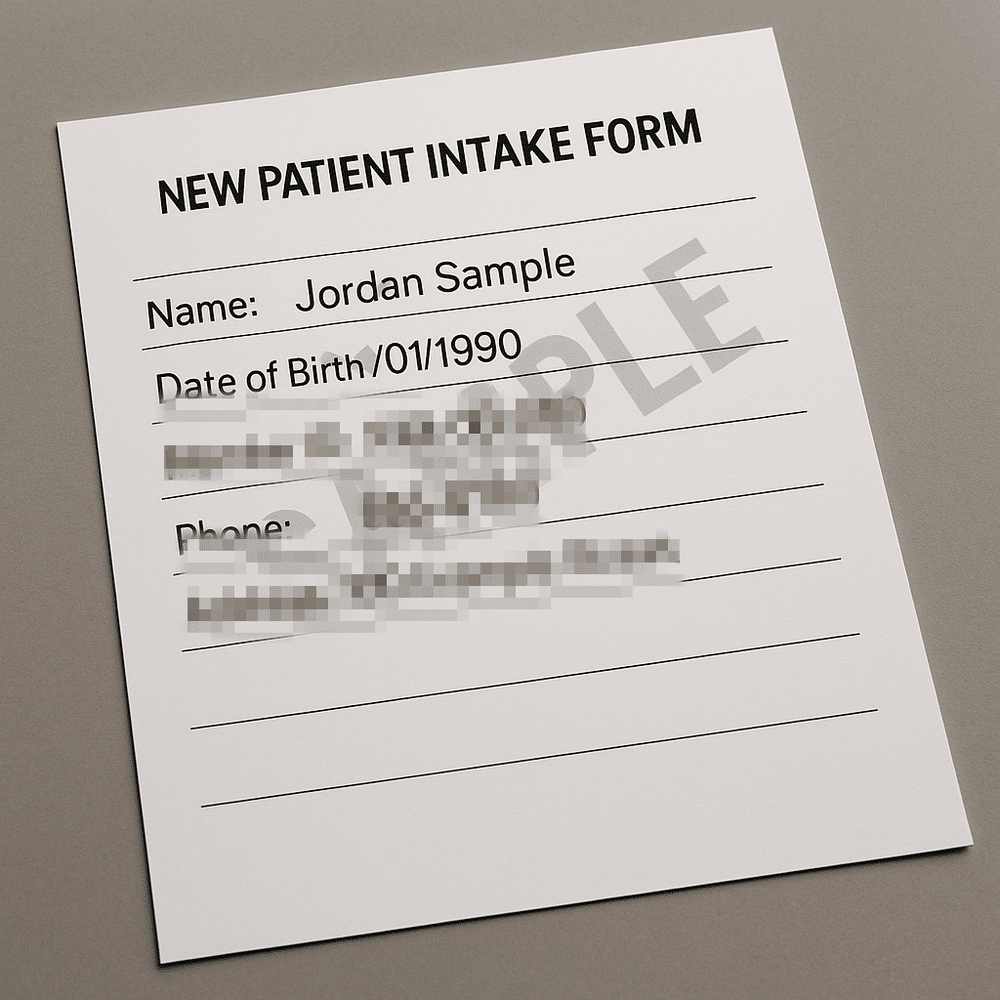
The coordinates from stage 2 go straight into the redaction. Extract, then obscure, in one chain.
The document shown is a sample template with placeholder values.
Redact document image regions using OCR coordinates
partial_pixelate and partial_blur obscure rectangular regions of an image. Fed with OCR coordinates they become image redaction driven by the text that was found, and because both live in the same URL chain the unredacted render never has to exist anywhere you would have to clean up later.
Your application selects sensitive fields according to its policy and document types, then Filestack obscures the selected regions automatically. Filestack does not classify arbitrary text as PII.
This is not redaction software with a review interface, nor a PDF redaction API that strips text from a PDF object tree. It works on the rendered page, which is what a photographed form is anyway. For data redaction inside a native PDF text layer, reach for a PDF library.
const boxes = ocr.lines
.filter(l => SENSITIVE.test(l.text))
.map(toRect);
# then obscure exactly those
partial_pixelate=objects:[...boxes],
amount:12/
Strip EXIF and GPS metadata from document photos
A photograph of a document is still a photograph. It carries the phone’s make and model, the timestamp, and very often the GPS coordinates of the room. Shipping that location alongside the document is one of the quietest leaks in document intake.
The task removes EXIF, IPTC, XMP, and embedded color profiles in one step, so camera uploads can be cleaned automatically inside your pipeline.
Private storage and signed access for processed documents
A secure document upload is more than an encrypted POST. It is what happens to the file for the rest of its life.
Private storage
Write the processed file to your own bucket with store and an access setting of private, so the redacted version is the one that persists.
Signed, expiring access
Delivery requires a policy and signature with an expiry you set, so a leaked URL stops working instead of living forever in an inbox.
Scanned on intake
Documents arrive from outside your organization. Virus scanning runs as a step in the same Workflow, before anything is stored.
Sensitive document use cases in healthcare, lending, HR, and KYC
Patient intake forms
Forms photographed at reception, read, redacted, and filed privately.
Mortgage document automation
Long document collections from many sources, scanned for malware and stored with expiring access. Insurance claim processing runs the same way, with photographed damage and receipts in place of statements.
Employee onboarding documents
Collected once, kept private, and shared by signed URL rather than by email attachment.
KYC onboarding
The capture half of a verification flow, handing a clean file to your verification vendor.
Frequently asked questions about sensitive document processing
How do I redact PII from an uploaded document?
Run ocr to get the text with a bounding box for every word, select the regions your policy treats as sensitive, and pass those coordinates to partial_pixelate or partial_blur in the same chain. In a Filestack pipeline the extraction produces the coordinates, so document redaction and PII redaction are driven by what the page says rather than by hand.
Does Filestack detect PII automatically?
No. Filestack extracts text and coordinates. Deciding which of those fields is sensitive is your application’s logic, because that decision depends on your policy and your document types rather than on the file.
Can Filestack verify someone's identity?
No. Filestack is not an identity-verification API: it does not provide liveness detection, selfie-to-ID matching, watchlist screening, or an accept-or-reject decision about a person. Use Filestack to prepare and secure the file before sending it to a verification provider such as Persona, Onfido, or Jumio.
What part of a verification flow does Filestack cover?
Filestack covers document capture and handling: upload, flattening, text extraction with word coordinates, selected-region redaction, metadata removal, malware scanning, private storage, and expiring signed delivery. Use its document-capture SDK and document-scanner API before handing the prepared file to the provider that makes the identity decision.
How do I remove EXIF data from uploaded images?
The no_metadata operation strips EXIF, IPTC, XMP, and color profile metadata from the file. This matters more than it sounds: a phone photo of a document usually carries the GPS coordinates of where it was taken, and most intake flows store that without noticing.
Where are redacted documents stored?
Wherever you choose. The store operation writes to S3, Google Cloud Storage, Azure, or Rackspace with an access setting of private, and delivery then requires a signed policy with an expiry that you control.